Live chat jobs move fast. Agents handle many users at once. Messages come in without pause. Managers need a way to track work without slowing the team. This is where a clear system helps. It shows what each agent does during a shift. It also helps improve service over time.
Why Tracking Matters
Tracking gives a clear view of output. It shows how many chats an agent handles. It shows how long each chat takes. It also shows how users respond. This data helps managers make decisions. It helps with staffing. It helps with training. It also helps agents see their own work and improve.
Set Clear Metrics
Start with simple metrics. Do not track everything at once. Focus on what shows real work. Two useful metrics are chat volume and response time. Chat volume shows how many users an agent helps. Response time shows how fast an agent replies. Keep the metrics easy to read. Share them with the team. This builds trust.
Use Chat Logs
Chat logs show what happens in each session. They show the full conversation between agent and user. Review logs on a set schedule. Look for patterns. Check if the agent follows process. Check if the agent solves the issue. Logs also help in training. New agents can read past chats. They learn how to handle common cases.
Track Active Time
Agents may stay logged in for long hours. That does not mean they work the whole time. You need to track active time. Active time shows when an agent is handling chats. It excludes idle time. This gives a clear view of effort. You can use remote team time tracking tools for this. They record login time and chat activity. Use this data to balance workload.
Monitor Quality
Speed is not enough. Quality matters in live chat jobs. You need to check how agents talk to users. Pick a few chats from each agent. Review them. Check if the agent follows the script. Check if the agent gives correct answers. Give feedback based on this review. Keep it direct. Focus on what to change.
Use Simple Dashboards
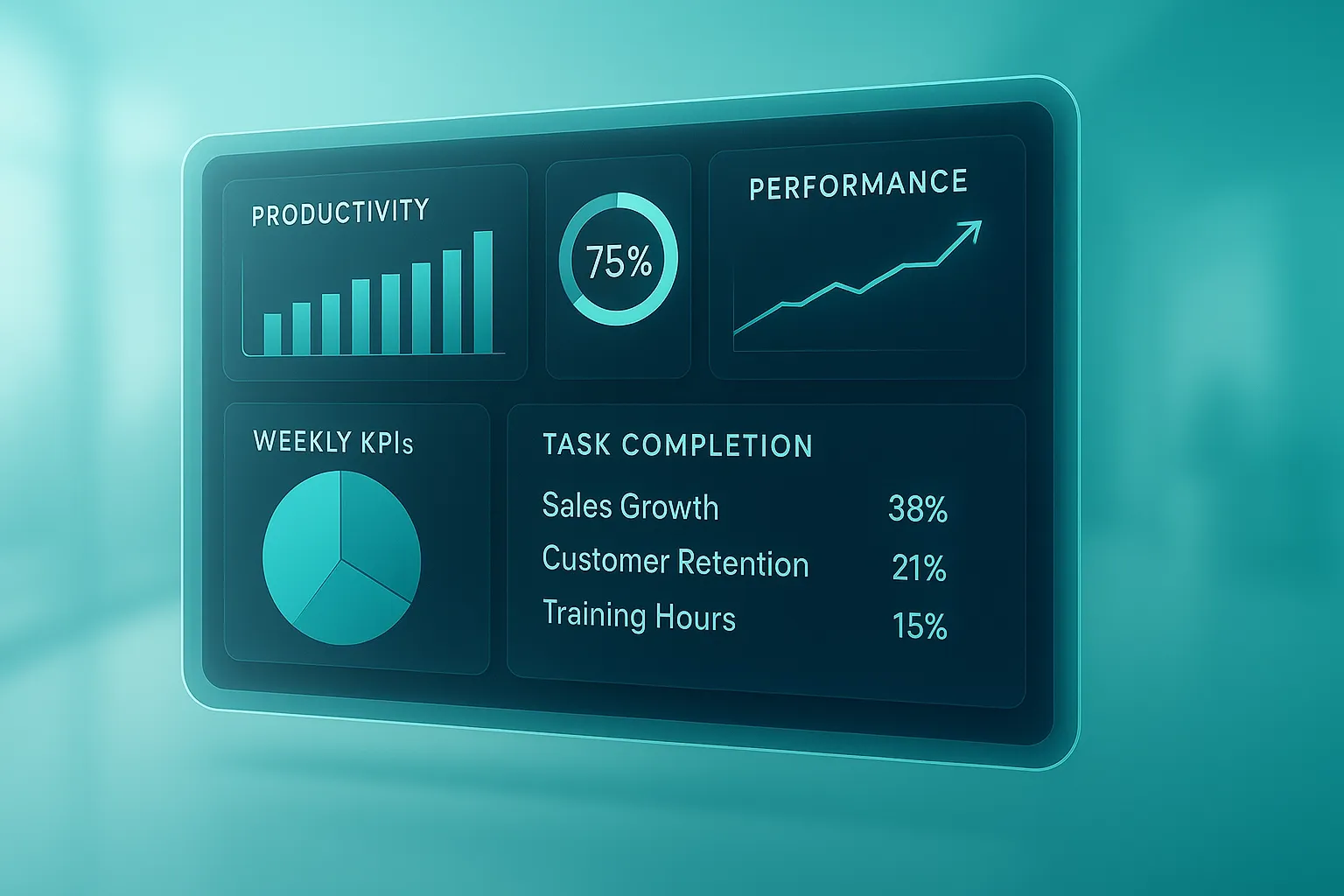
A dashboard shows all data in one place. It helps managers see trends without delay. Include only key data. Show chat count and response time. Avoid too much detail. Update the dashboard in real time if possible. This helps in quick action during peak hours.
Set Daily Goals
Agents need clear targets. Set daily goals based on role. Keep them easy to understand. Two examples are number of chats and average reply time. Share these goals at the start of the shift.
Review progress at the end of the shift. This keeps the team aligned.
Give Regular Feedback
Tracking alone does not help. Feedback turns data into action. Talk to agents on a set schedule. Share what you see in the data. Point out gaps. Suggest steps to fix them. Keep the feedback short. Focus on one or two points at a time.
Conclusion
Tracking employee productivity in live chat jobs needs a clear plan. Focus on simple metrics. Use chat logs and active time data. Review quality on a regular basis. Give feedback that leads to change. This approach keeps the team on track. It also helps improve service for users.